


Best Free Logo Makers in 2026: Create Professional Logos Without Breaking the Bank
Starting a business comes with enough expenses. With domain registration, hosting, inventory, licenses, and insurance, the costs quickly add up! So when it comes time to create your logo, the idea of dropping $2,000 on a designer feels like a luxury you can’t justify.
Good news. You don’t have to choose between a professional-looking logo and keeping your budget intact. Free logo makers in 2026 have reached a point where the output quality rivals what you’d get from hiring someone. The gap has closed significantly.
Platforms now offer legitimate quality, extensive libraries, and tools that work. We’ll break down which ones are worth your time and what to expect from each.
Best Free Logo Makers in 2026
1. Design.com
- Rating: 4.7 stars from 3,000+ verified reviews on Trustpilot
- Speed: Generates logos in under 10 seconds
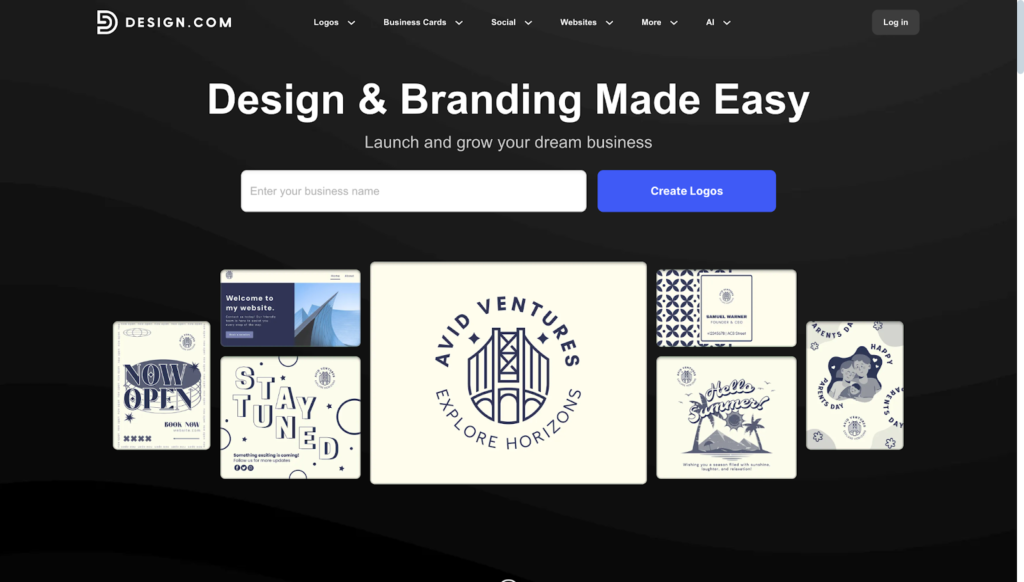
- Why It Stands Out: Design.com stands out for its speed and convenience. This is the strongest option if you want a clean and professional logo fast, without navigating complex tools
- Verdict: 10/10
Design.com is the go-to choice for entrepreneurs and small brands who want attractive, professional logos without spending hours editing.
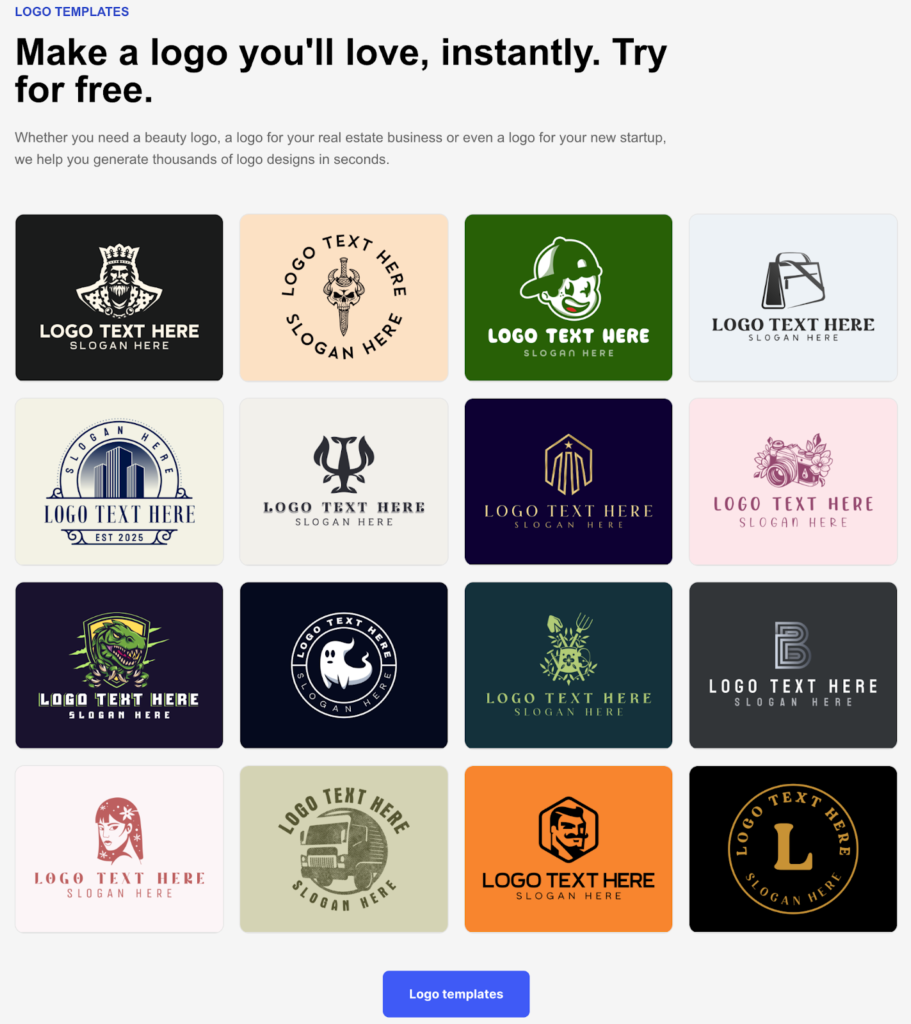
It’s the world’s top logo maker with the largest logo and template library. Whether you’re launching a boutique, a cafe, a consultancy, or a lifestyle brand, you’ll surely find a logo that fits your aesthetic.
It also uses a beginner-friendly drag-and-drop editor. You won’t see any technical or advanced controls. Everything is simple and straightforward. Even novices can achieve stellar results!
Key Features:
- Gain access to the largest logo library of 360,000 professional designs amongst competitors, which gives users a strong starting point, no matter the industry or preferred style
- Over 525+ exclusive fonts and 62,000+ custom icons, which you can only find on the platform, helping your logo be more unique and less cookie-cutter compared to others
- The platform features a simple drag-and-drop editor, allowing beginners and non-designers to create impressive logos with ease
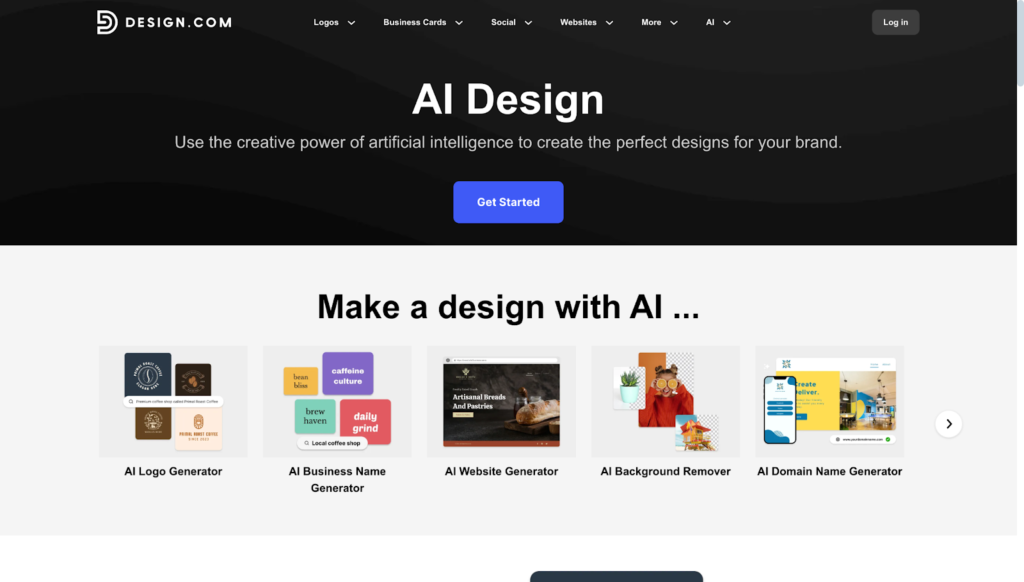
- A powerful AI logo generator that creates thousands of logo options tailored to your business name, industry, and style preferences in seconds
- Includes additional AI-powered tools such as a business card generator and website builder to speed up the overall design process
- Design.com also offers 50+ templates for social media, business cards, email signatures, websites, QR codes, presentations, and more, making it a complete solution for all your branding needs
- Their Brand Kit feature automatically applies your logo’s colors and styles across all marketing materials made on the platform, thus ensuring cohesiveness in your brand identity
- Export logos in multiple high-resolution formats, including PNG, JPG, SVG, EPS, PDF, GIF, and MP4, to cover all print and digital uses
- The platform has exclusive licensing options, which give you complete ownership of your logo and the ability to remove it from the template library
Pricing:
Design.com offers a generous free plan that includes free logos in industry-standard file formats with no watermarks, no hidden charges, and no credit card required. You also get a free website builder to create a beautiful, responsive website branded with your logo’s colors, plus a free digital business card and link-in-bio tool.
If you need more features, paid plans start incredibly affordable:
Monthly Plans
- Starter (Logo Pack): $15/month
- Value (Logo Pack + Website): $24/month
- Premium (Logo Pack + Website + More): $29/month
Annual Plans (Save 75%)
- Starter (Logo Pack): $5/month, billed annually
- Value (Logo Pack + Website): $6/month, billed annually
- Premium (Logo Pack + Website + More): $7/month, billed annually
All plans include unlimited changes to your logo, high-resolution and vector files, business cards, social media templates, and access to 50+ other design tools.
Who It’s Best For:
✔ Small businesses that want professional quality without the steep costs
✔ Beginners without technical skills but want to achieve professional results
✔ Founders who want a full brand suite, not just a logo
Potential Downsides:
🗙 Web-based only – There’s no native app yet, but the browser experience is fast and responsive across devices
🗙 Less technical integration – Not heavily developer-oriented, but ideal for non-technical users who want instant branding without complexity
🗙 Lightweight collaboration features – May feel lighter compared to enterprise-grade tools, but ideal for hassle-free workflows for small teams
2. BrandCrowd
- Rating: 4.8 stars from 9,000+ verified reviews on Trustpilot
- Speed: Generates relevant logos instantly
- Why It Stands Out: BrandCrowd excels at striking a balance between ease of use and professional results. The massive template library and voting feature make it ideal for anyone who wants options and feedback
- Verdict: 9.5/10
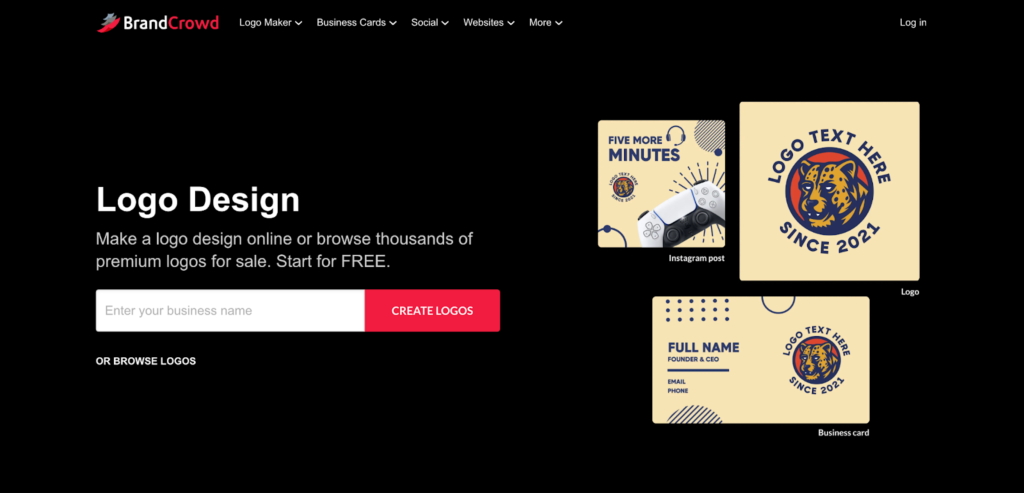
BrandCrowd has earned its reputation as one of the world’s best logo maker platforms, backed by a 4.8 Trustpilot rating from over 9,000 reviews. If you’re looking for professional designs that you can customize quickly, this platform delivers precisely that.
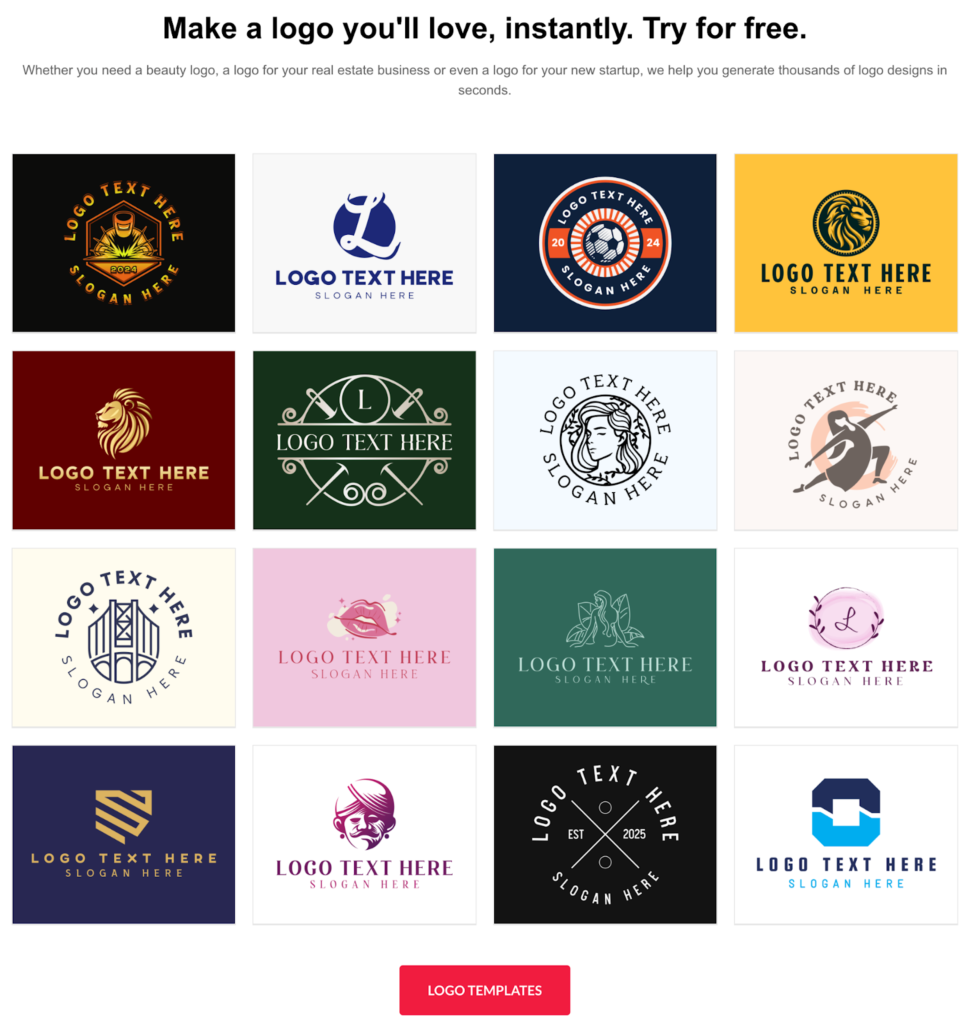
With 350,000+ logo templates created by professional designers, you’ll find high-quality options for virtually any industry. The templates don’t look like generic clip art. They feel modern, polished, and ready to represent your business from day one.
The editing process is incredibly straightforward. Type in your business name, pick your industry, and instantly browse through hundreds of relevant designs. From there, you can customize colors, swap fonts, adjust layouts, and tweak icons until everything feels just right.
Key Features:
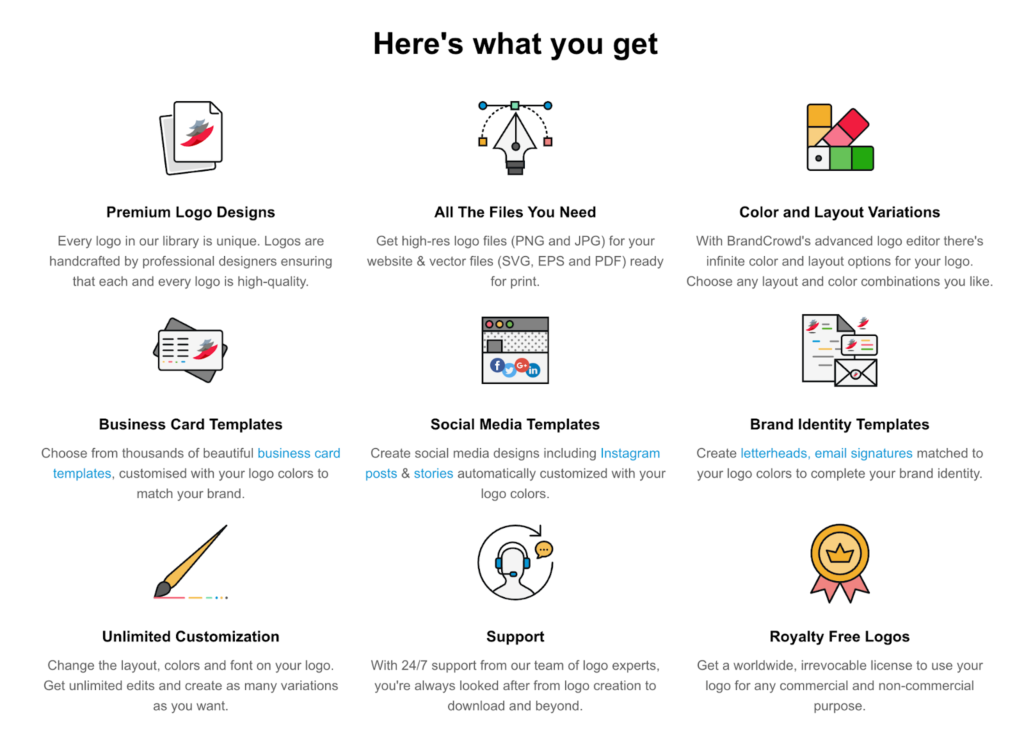
- Access to 350,000+ professionally designed logo templates that serve as excellent starting points for any brand
- Over 525+ exclusive fonts and 62,000+ custom vector shapes available only on BrandCrowd, ensuring your design stands out from competitors
- User-friendly editor that requires zero design experience, making it perfect for beginners
- AI logo generator that creates personalized designs based on your business name and industry
- AI business name generator and background remover tools to streamline your branding workflow
- 50+ additional design templates for business cards, social media posts, websites, presentations, and more
- Automatic template branding that applies your logo colors across all design materials for consistent branding
- Export options in multiple formats, including PNG, JPG, SVG, EPS, PDF, GIF, and MP4, for both digital and print use
- A voting poll feature lets you share logo concepts with colleagues or friends to gather feedback before finalizing
- Exclusive licensing options give you full ownership and the ability to remove your chosen logo from the template library
Pricing:
BrandCrowd’s free plan is remarkably generous. You get free logos in all major file formats with no watermarks or hidden fees. The free plan also includes a website builder, digital business card, and link-in-bio tool to help you establish your complete online presence.
Premium plans mirror the affordability of top competitors:
Monthly Plans
- Starter (Logo Pack): $15/month
- Value (Logo Pack + Website): $24/month
- Premium (Logo Pack + Website + More): $29/month
Annual Plans (Save 75%)
- Starter (Logo Pack): $5/month, billed annually
- Value (Logo Pack + Website): $6/month, billed annually
- Premium (Logo Pack + Website + More): $7/month, billed annually
All paid plans include unlimited logo revisions, high-resolution files, and full commercial rights.
Who It’s Best For:
✔ Small business owners who want professional designs with minimal effort
✔ Solopreneurs launching quickly and need reliable results
✔ Anyone who values extensive template variety and quality
Potential Downsides:
🗙 No native mobile app available
🗙 May be too simple for experienced designers wanting granular control
3. Canva
- Rating: 4.7 stars with millions of users worldwide
- Speed: Quick template customization
- Why It Stands Out: Canva is the Swiss Army knife of design tools. If you need more than just a logo, this platform does it all in one place
- Verdict: 9/10
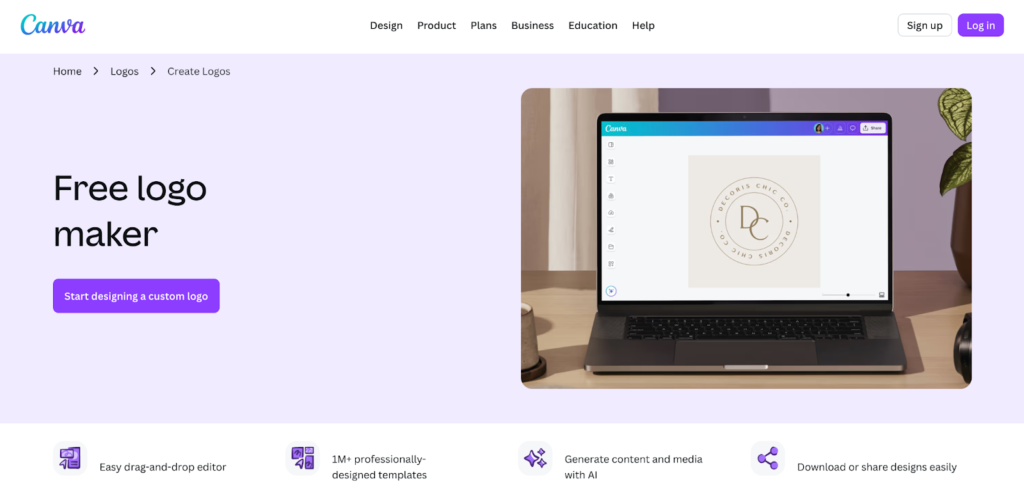
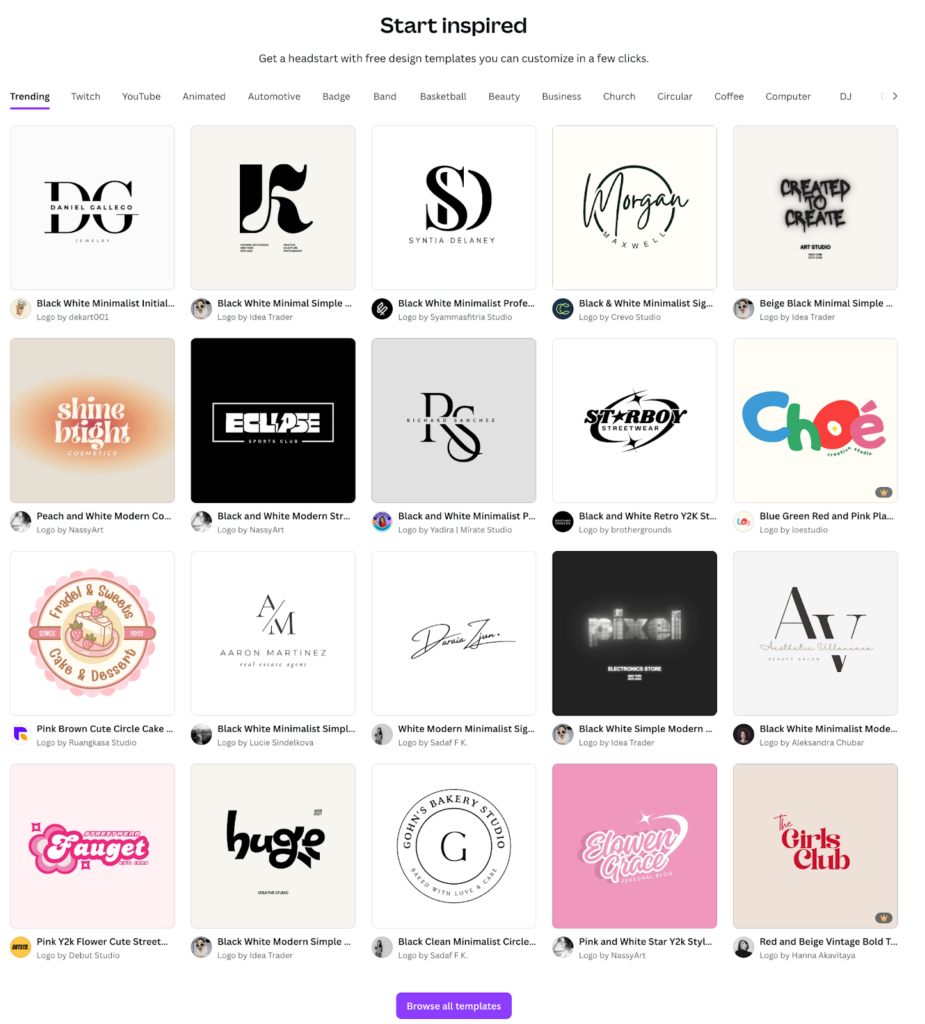
Canva has become a household name in the design world, and for good reason. While it is primarily known as an all-purpose design tool, its logo maker functionality is robust and completely free to use.
The platform offers thousands of logo templates that you can customize using its famous drag-and-drop editor. Even if you’ve never designed anything before, you’ll find Canva incredibly easy to navigate. The interface is clean, the tools are intuitive, and you can see your changes in real time.
What sets Canva apart from dedicated logo makers is its versatility. Once you’ve created your logo, you can use the same platform to design everything else your business needs. Social media posts, presentations, flyers, business cards, and even video content are all available within the same ecosystem.
Key Features:
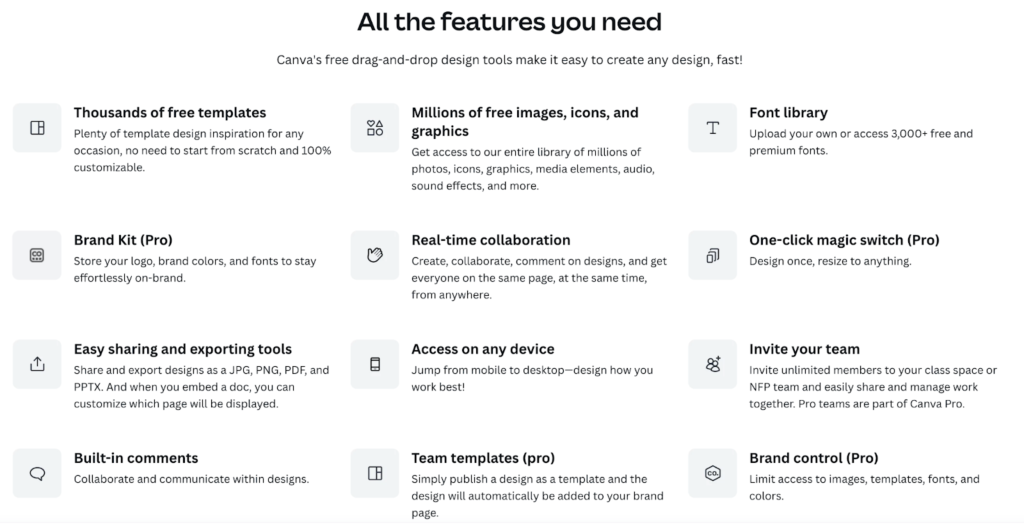
- Thousands of customizable logo templates covering various industries and styles
- Intuitive drag-and-drop editor with real-time preview of all changes
- All-in-one design platform that handles logos, social media graphics, presentations, and marketing materials
- Brand kit feature to save your logo, colors, and fonts for consistent branding
- Real-time collaboration tools that let team members work on designs together
- Mobile apps for iOS and Android, allowing you to design on the go
- Extensive library of free photos, graphics, and design elements
- Tutorials and design courses to help improve your skills
Pricing:
- Free Plan: Available with thousands of templates and basic features
- Canva Pro: $12.99/month or $119.99/year
- Canva for Teams: Starts at $14.99/month per person
Canva Pro unlocks premium templates, the background remover tool, brand kit functionality, and the ability to resize designs instantly.
Who It’s Best For:
✔ Beginners who want an easy-to-use tool for all design needs
✔ Small teams that need collaboration features
✔ Anyone building a complete visual brand beyond just a logo
Potential Downsides:
🗙 Vector file downloads require paid subscription
🗙 Can feel overwhelming with so many features
🗙 Some of the best templates are premium-only
4. Hatchful by Shopify
- Rating: Highly rated for its simplicity and zero-cost model
- Speed: Creates logos in under 5 minutes
- Why It Stands Out: Hatchful removes all barriers. No payment required, no complex tools to learn, just fast results
- Verdict: 8.5/10
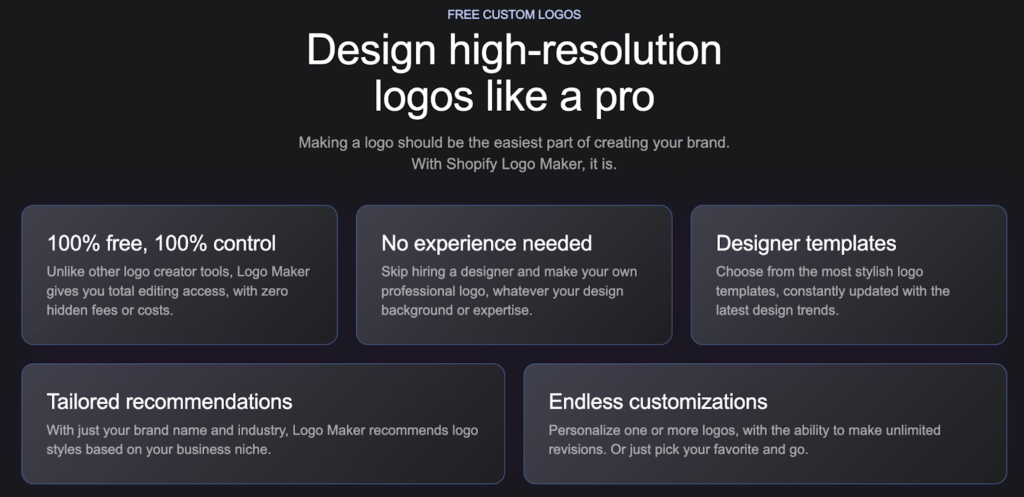
If you’re looking for something completely free with zero strings attached, Hatchful by Shopify is worth your attention. This tool is designed specifically for small business owners and e-commerce entrepreneurs who need a quick, professional logo without any hassle.
The process is refreshingly simple. You choose your business type, select a visual style, add your business name and optional tagline, and Hatchful generates dozens of logo options instantly. You can then customize colors, fonts, and layouts until you’re happy with the result.
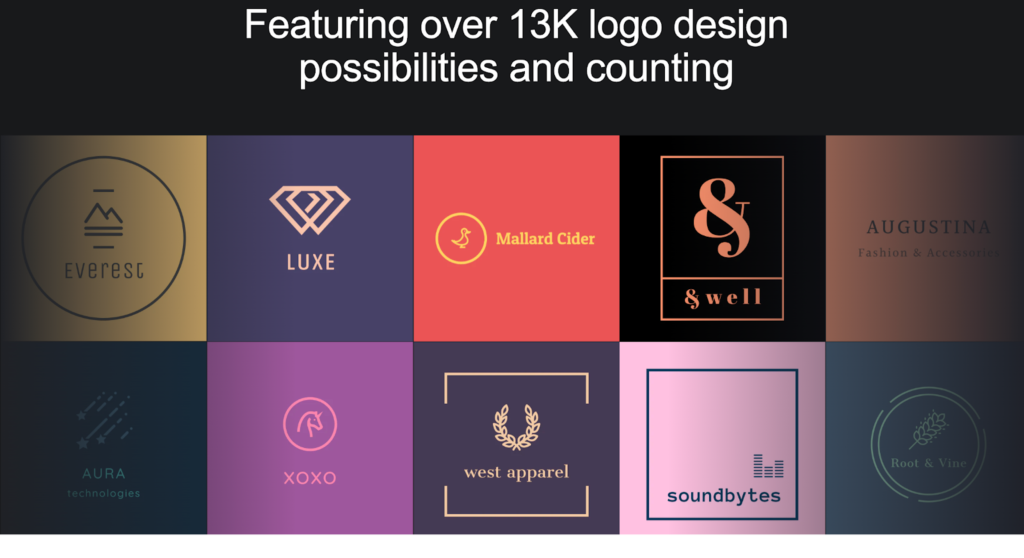
What makes Hatchful truly special is that it’s 100% free. No watermarks, no hidden costs, no premium tiers. You receive high-resolution logo files in PNG format, which you can download as many times as needed. The platform also provides different versions of your logo optimized for various uses, such as social media profiles, favicons, and business cards.
Key Features:
- 100% free with no watermarks or hidden charges
- Simple three-step creation process that takes less than five minutes
- Instant logo generation based on your business type and style preferences
- Multiple file formats optimized for different uses, including social media, websites, and print
- Different logo variations for various applications
- No account required to download your logo files
- Perfect integration with Shopify stores for e-commerce businesses
- Mobile-friendly interface that works on any device
Pricing:
Completely free. No paid plans, no upsells, no catches.
Who It’s Best For:
✔ E-commerce businesses, especially Shopify store owners
✔ Anyone who needs a logo in minutes
✔ Budget-conscious entrepreneurs testing business ideas
Potential Downsides:
🗙 Limited customization compared to other tools
🗙 Smaller template library
🗙 No vector file formats available
🗙 Basic editing capabilities
5. Wix Logo Maker
- Rating: Well-reviewed for its AI capabilities
- Speed: Fast AI generation process
- Why It Stands Out: The AI approach creates unique designs that feel custom-made rather than template-based
- Verdict: 8/10
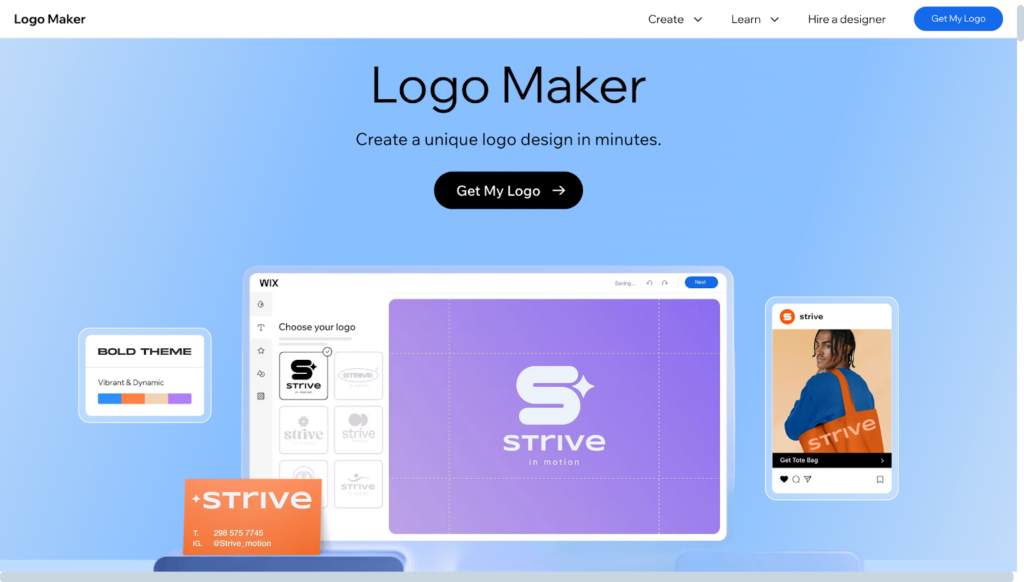
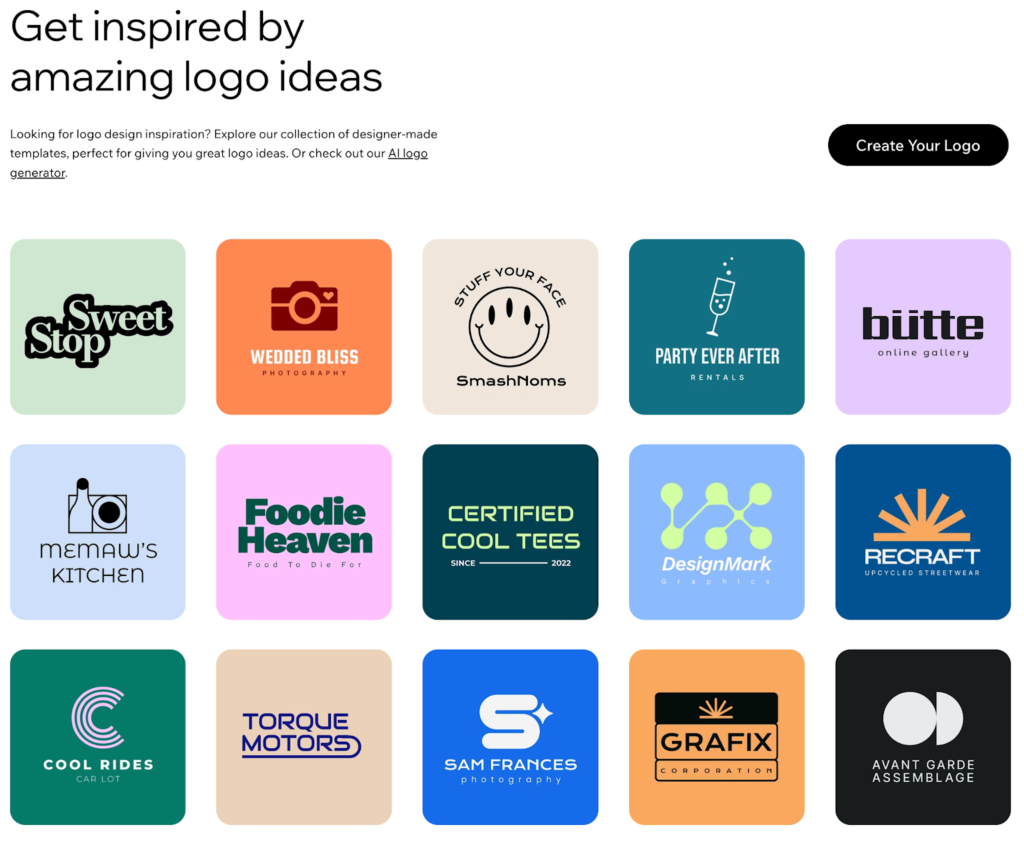
Wix Logo Maker takes a different approach by putting AI at the center of the design process. Instead of browsing through templates, you answer a few questions about your business, style preferences, and design needs. The AI then generates custom logo options tailored specifically for you.
The AI does an impressive job of understanding your vision. It asks about your industry, the feeling you want to convey, and which design elements appeal to you. Based on your answers, it creates dozens of unique logo concepts that feel personal rather than template-based.
You can preview and edit your logos for free, tweaking colors, fonts, icons, and layouts until everything looks perfect. The editor is user-friendly and gives you plenty of control over the final design. Once you’re satisfied, you can purchase your logo to download high-resolution files.
Key Features:
- AI-powered logo generation that creates personalized designs based on your input
- Customized design recommendations tailored to your industry and preferences
- Free editing and preview with no upfront costs
- User-friendly editor with intuitive controls
- Complete brand identity package, including color schemes and font pairings
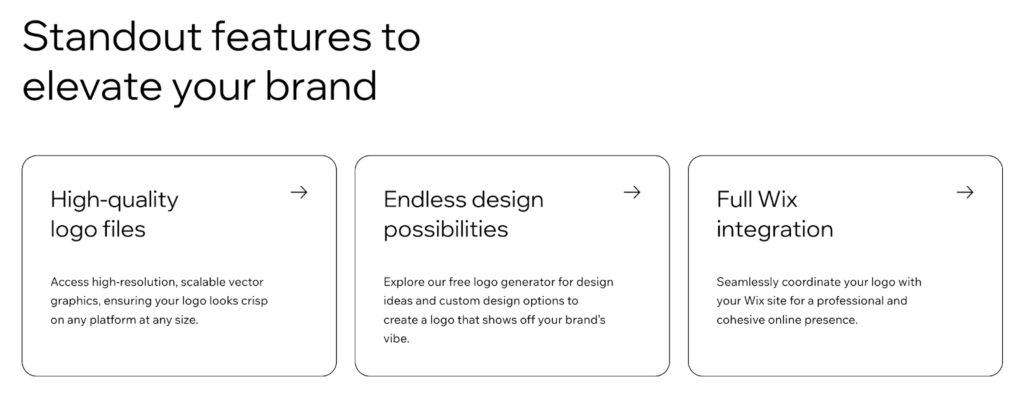
- Integration with the Wix website builder for seamless branding
- Multiple file formats available for digital and print use
- Quick design process that delivers results in minutes
Pricing:
Free to create and edit logos with full preview capabilities. To download your logo files, packages start at $12.99 and include various file formats and sizes optimized for different uses.
Who It’s Best For:
✔ Small business owners who want AI-generated personalized designs
✔ Anyone building a website on Wix
✔ People who prefer guided design processes over browsing templates
Potential Downsides:
🗙 Must purchase to download files
🗙 Fewer templates than competitor platforms
🗙 Best value when used with Wix websites
🗙 Limited free plan functionality
How to Choose the Right Free Logo Maker for Your Needs
Choosing the right logo maker can feel overwhelming when you’re faced with dozens of options. Here’s how to narrow down your choices and find the tool that actually fits your situation.
Start with your skill level
Be honest about your comfort with design tools. If opening Photoshop makes you break into a cold sweat, you need something with a gentle learning curve and clear instructions. Look for platforms that guide you through each step and offer plenty of templates as starting points.
On the other hand, if you’ve dabbled in design before and want more creative freedom, look for tools with robust customization options. You’ll want the ability to adjust spacing, manipulate individual elements, and fine-tune every detail without the platform getting in your way at every turn.
Understand what free really means
The word “free” is often used loosely in the logo maker world. Some platforms allow you to create and download professional files with no restrictions. Others let you play around for free but slap watermarks on your downloads or only offer low-resolution files unless you pay.
Before investing time in a platform, check what you get without spending money. Can you download vector files? Are there watermarks? What file formats are included? How many times can you download your logo? These details matter, especially if you’re on a tight budget.
Think beyond just the logo
Your logo rarely stands alone. You’ll need it on business cards, your website header, social media profiles, email signatures, and a dozen other places. Some platforms stop at logo creation. Others offer complete branding suites with templates for everything you’ll need.
Consider whether you want one tool that handles all your design needs or if you’re comfortable using multiple platforms. All-in-one solutions save time and help maintain visual consistency, but specialized tools sometimes offer better results for their specific function.
Evaluate the template library
A bigger template library means better odds of finding something that resonates with your vision. But size isn’t everything. Pay attention to the quality and style of the designs. Do they look modern and professional? Are there options that match your industry? Do the templates feel unique or generic?
Browse through the available designs before committing to a platform. If everything looks dated or doesn’t match your aesthetic, keep looking. The right tool should inspire you, not leave you settling for “good enough.”
Consider file formats and technical requirements
Different uses require different file types. PNG files work great for websites and social media. Vector formats, such as SVG and EPS, are essential for printing on merchandise, signage, or any other material that requires scaling without compromising quality.
Ensure your chosen platform supports the formats you’ll actually need. If you’re planning to print t-shirts or display your logo on a storefront sign, vector files are essential. They’re required for professional results.
Test the customization options
Templates are starting points, not final destinations. You need the ability to make a design truly yours by adjusting colors, changing fonts, repositioning elements, and adding your own touches.
Try out the editor before making any commitments. Can you easily change the aspects that matter to you? Does the platform give you enough control without becoming frustratingly complex? The best tools strike a balance between simplicity and flexibility.
Factor in future needs
Your brand will grow and change over time. You may want to tweak your logo’s colors next year or create variations for different uses. Some platforms make ongoing changes easy and affordable. Others charge for every edit or don’t let you access your designs after downloading.
Think about what happens after you create your logo. Can you return and make changes? Do you truly own the design? Are you locked into a subscription? Understanding these details upfront prevents headaches down the road.
Design Your Logo Now
Creating a professional logo in 2026 doesn’t require deep pockets or years of design school. The tools available today put high-quality branding within reach of any entrepreneur, startup founder, or small business owner willing to invest time and creativity.
The key is choosing a platform that matches your specific situation. Consider your skill level, budget constraints, timeline, and broader branding needs. Don’t just grab the first option you see. Take advantage of free trials and preview features to test drive a few different platforms before making a commitment.
Your logo represents everything your business stands for. It appears on every touchpoint with customers and clients. Take the time to get it right, but don’t let perfectionism hold you back. A good logo launched today beats a perfect logo stuck in endless revision. Start creating, gather feedback, and refine as you go. Your brand will thank you.


