


Top Online Business Card Generators for Small Businesses (2026)
Looking to make your small business look more credible and professional? You should invest in a well-designed business card. Aside from making it easy to connect with your customers or potential partners, it’s also a great way to reinforce your brand identity and give a tangible, memorable remembrance of you.
Luckily, creating a great business card doesn’t need to be so hard. There are now tons of free business card makers that allow anyone to design high-quality cards even without expensive software or design expertise.
Below we review the best free tools available today, breaking down their features, pricing, and who it’s best for so you can choose a platform that’s right for you.
Best Business Card Makers in 2026
We tested out multiple platforms to bring you the best of the best business card maker tools this year, with each tool having its own unique features and specialities.
Here’s a quick summary of them:
| Tool | Pricing | Offers Printing? | Key Strength |
| Design.com | Free cards available, Premium plan starts at $9 | Yes | Massive library + design variety |
| BrandCrowd | Free cards available, Premium plan starts at $9 | Yes | Stylish designs + high-quality templates |
| Canva | Free cards available, Pro plan starts at $5 | Yes | Beginner-friendly editor + great library of graphics |
| VistaPrint | Free to design, pay only when you print | Yes | Unique shapes + variety of finishes |
| Moo | Free to design, pay only when you print | Yes | Premium card materials + top-notch printing quality |
| Visme | Requires subscription which starts at $11 | No | Easy to use + comprehensive editor |
And here is the deep dive into them:
- Design.com
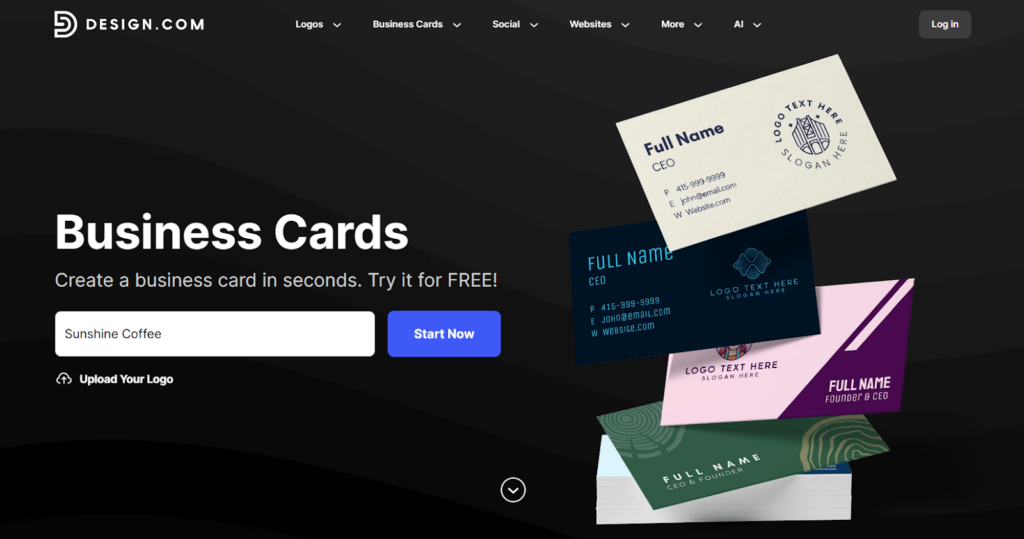
Design.com’s business card maker lets you create custom business cards quickly and professionally even without design expertise. Users can pick from a massive library of templates which they can then easily personalize in the built-in editor. And since Design.com covers every industry and style, it’s easy to find a design that perfectly fits your brand without needing heavy editing.
Design.com also offers branding tools such as logo maker, website builder, poster maker, and more, making it a strong choice for small businesses that want visual consistency with their graphics.
What Makes Design.com Stand Out:
- Huge template library: Offers one of the largest template libraries, which ensures every user no matter the industry can find what they need.
- Great design quality and variety: Find every style of card that you need, whether it’s minimalist, modern, retro, chic, and more.
- Customizable design: Edit every element on the card such as fonts, colors, icons, and layout using the beginner-friendly editor.
- High-resolution exports: Download in PNG, JPG, SVG, EPS, or PDF file formats for digital or print use.
- One stop branding platform: Get access to tools for creating logos, websites, social media graphics, email signatures, and more.
- Printing options: You can have your cards directly printed by Design.com, lessening the hassle of having to deal with third-party printing services.
Pricing
- Free cards are available on the platform. You can download these for free, no string attached.
- If you want the premium cards, you will have to pay for a plan, which starts at $9.
- Printing will depend on your order – the quantity, if it’s single or double sided, the corner style, finish, and more.
Who it’s best for
✔ First-time designers who want polished results quickly
✔ Entrepreneurs needing cards and other brand assets in one place
✔ Small businesses building their brand identity
- BrandCrowd
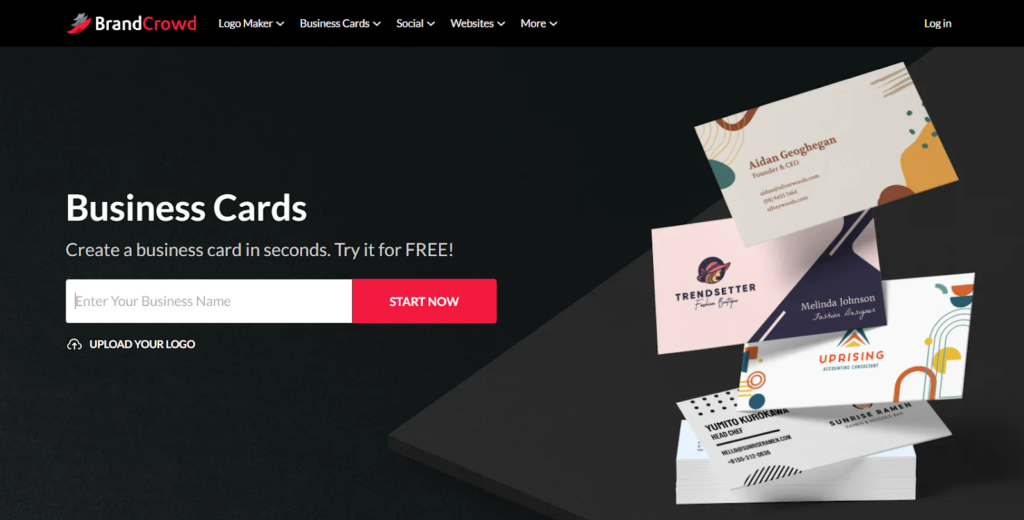
If you are looking for stylish and creative cards, then BrandCrowd’s business card generator is the one for you.
BrandCrowd takes their designs seriously. Their templates are created by top designers all over the world, and undergoes checks for quality before getting uploaded to the platform. Which is why you won’t see any basic or “template” looking cards here. It’s a good choice for users who are in a more aesthetic-focused industry, those who focus on visual branding, or even users who just want cool-looking cards.
Why BrandCrowd Works Well for Small Businesses
- Large library – BrandCrowd offers thousands of business card templates across various industries and niches, so users will never run out of options.
- Handcrafted designs – Cards are created by actual designers and not just built from stock libraries, which means the cards are higher quality and are more business-ready compared to most template sites.
- Comprehensive editing – The editing tool is simple and easy to use, but still provides ample ways to beautify your card such as curving the text, adding animations, or changing the design of the QR.
- Multiple file formats: Export in formats like SVG, EPS, and PDF for print and digital use.
- Printing service – Users can also print directly from BrandCrowd, making it a great one-stop solution.
Pricing
- There are free cards available for download.
- Premium cards require subscription before you can download. Plans start at $9.
- Printing price will depend on quantity, finish, and other customization options.
Who it’s best for
✔ Businesses that want polished and stylish cards
✔ Small brands seeking to build a standout visual identity
✔ Users who want access to designer made cards
- Canva
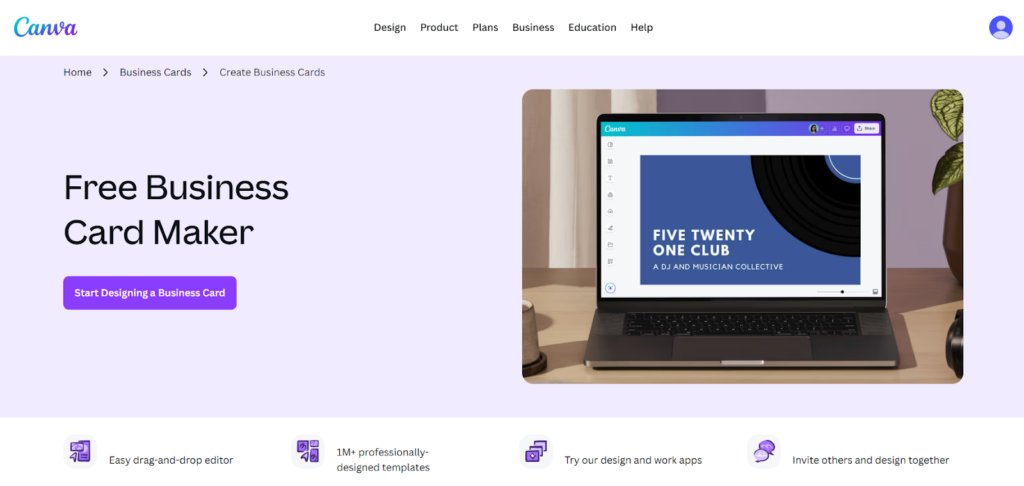
Canva is one of the most popular online design platforms today. They are known for their massive library of templates ranging from resumes to flyers to Facebook ads. And yes, they of course have business cards as well. This tool uses the same drag-and-drop editor that is used in their ecosystem. So if you have created anything on Canva before, it should be easy to create a business card.
Canva also offers thousands of business card templates across various industries and niches. Users can also add their own logo or imagery, customize elements, or make use of Canva’s top-notch editing features (which are sadly locked behind their Pro plan).
Why Canva Is a Popular Choice
- Huge library – Users can choose between thousands of styles for every industry and aesthetic possible.
- Great asset collection – You can choose from a huge collection of graphics, icons, borders, illustrations, photos, and other elements to spice up your card.
- Drag‑and‑drop editor: Canva makes it easy for beginners to edit with their drag and drop editor and simple interface.
- Collaboration tools: Canva offers comprehensive collaboration tools compared to other platforms, allowing users to comment on a design or edit together.
- Powerful editing: Canva provides tools like Magic Eraser, Background Eraser, Background Generator, and more. However most of these tools can only be accessed by Pro accounts.
Pricing
- There are free cards available for download, though they are quite few.
- Premium cards (those that have that crown icon on the lower right) require subscription to Canva Pro before you can use them. Plan starts at $5 per month.
Who it’s best for
✔ Small businesses wanting easy yet powerful editing
✔ Collaborating teams editing or sharing designs
✔ Users who also need other marketing visuals (social posts, flyers, etc.)
- VistaPrint
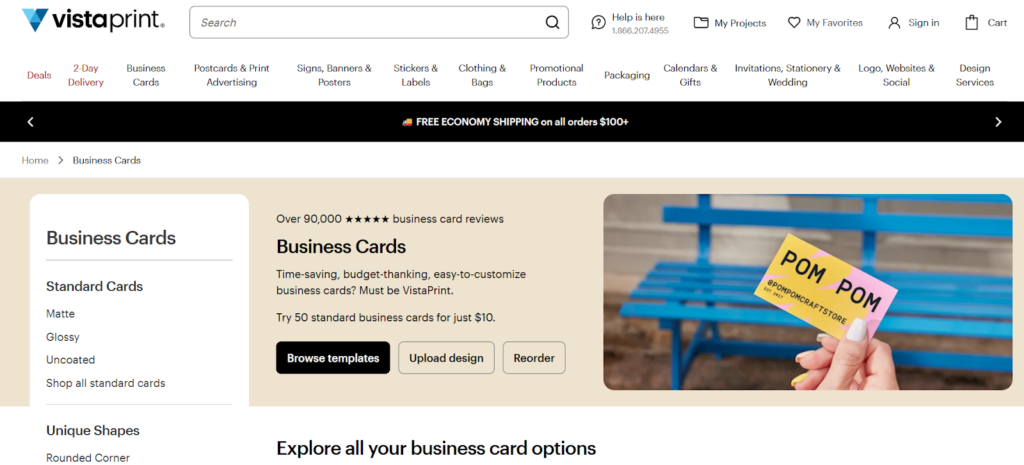
VistaPrint is a printing‑first platform with a built-in business card generator that allows users to design cards online and then order physical prints within the same workflow.
Since printing is their specialty, the platform offers multiple paper stocks, finishes, and styles (way more than other tools) so businesses can easily create a custom card that matches their brand identity.
Why VistaPrint Is Worth Considering
- All‑in‑one design and print experience – No need to export and send to a separate printer.
- Unique shapes: Tired of the standard rectangle cards? VistaPrint can create circle, square, oval, and leaf shaped cards for a more distinct look.
- Premium finishes – VistaPrint also provides a wide range of options for finishes, which includes linen, cotton, foil, ridged, metallic, spot UV, kraft, and pearl.
- Great for beginners – VistaPrint automatically marks the “safe area” and “bleed area” while editing, to ensure that you won’t design out of bounds and have elements get cut off.
Pricing
- Every template is free to edit and use, you’ll only pay once you are printing. There is no free and premium ones unlike other platforms.
- Printing costs will vary depending on your customization, such as adding rounded corners, embossing text, and so on.
Who it’s best for
✔ Businesses that want more unique cards
✔ Users who prefer a seamless process between design and print
✔ Small teams ordering cards in bulk
- Moo
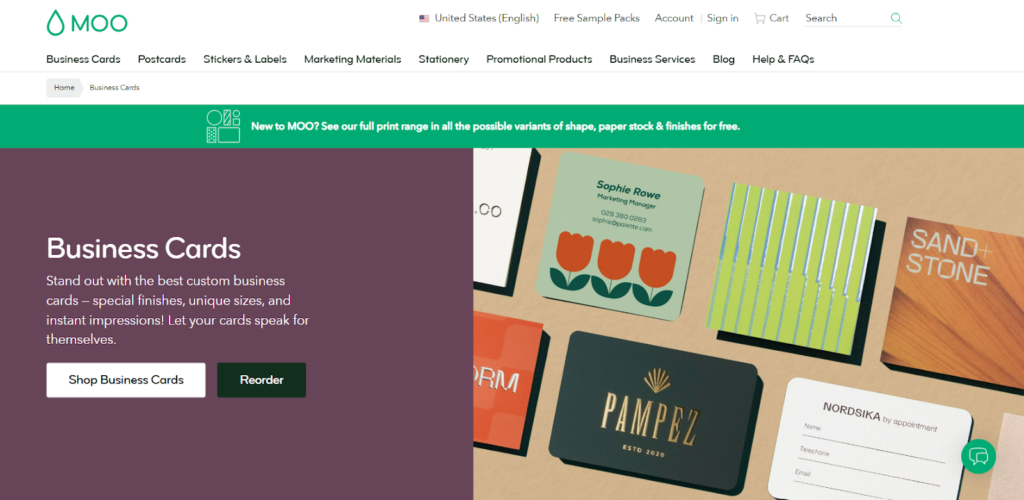
Moo is another platform that specializes in printing your card. They offer various types of paper, finish, and sizes which allows their users to get unique cards that best suit their branding.
Moo also allows their customers to print different designs on the back of every card for free. It’s a helpful addition for artists and photographers who want to use it as their mini-portfolio or for any business who want to showcase different products.
The only downsides to Moo is that they are a touch more expensive compared to other business card makers. And their editing tool is more basic compared to other platforms. But if you prioritize premium papers or finishes, then Moo is a great fit for you.
Why Moo Is A Top Pick
- Premium paper options – Moo offers several card stocks including Original, Super, Luxe, and Cotton, with thickness ranging from standard to ultra-thick luxury paper.
- Unique finishes – Users can choose from finishes like gold foil, silver foil, raised spot gloss, and letterpress for a more premium look.
- Printfinity feature – Print a different design on each card within the same pack without extra cost, ideal for portfolios or product showcases.
- High-end print quality – Moo specializes in premium business cards with thicker paper stocks and refined finishes compared with many budget printing services.
Pricing
- All templates are free to edit and access. Pay only when you print the cards.
- Printing costs will vary depending on the quantity, paper, size, finish, and other details.
Who it’s best for
✔ Businesses that want premium cards
✔ Brands that want unique finishes or specialty materials
✔ Designers, photographers, and creative professionals
- Visme
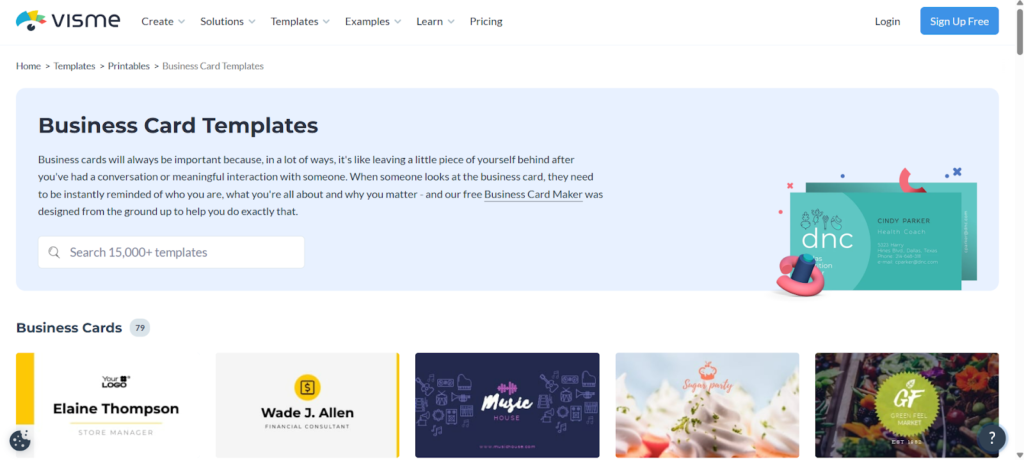
Visme is a visual content platform that is known for their high-quality presentations, infographics, and marketing graphics. But they went beyond that as they also now have branched out with their business card maker. Here, users can choose among their 70+ templates and then easily customize with their intuitive editor. The amount of templates and the simpler designs may be too limiting for people. But if you just want a professional card to go without going through multiple steps or browsing a lot, then Visme may be for you.
Why Visme Works
- Hassle-free creation – The editor is really easy to use, even for non-designers.
- Guided editing – Users can use a Ruler view or Grid View to have markers on the card, making it easy to create balanced layouts. They can also choose to Snap to Grid or Snap to Object, which means elements will automatically line up to the closest element after moving or resizing.
- Versatile design choice – Users can create horizontal or vertical cards, which allows for more bespoke creations.
- AI tools – Visme provides AI image generator, AI writer, and more to streamline the design process.
Pricing
- The tool is free to access and use, but you’ll have to subscribe to download the cards. Plan starts at approximately $11. They also do not provide built-in printing.
Who it’s best for
✔ Businesses already using Visme for marketing content
✔ Solopreneurs who just want a card without the hassle
Final Verdict
We may live in a digital-first world but business cards remain as an integral part of business and networking. Luckily, tons of business card maker tools are available in the market today to help you create a well-designed card without spending much money or effort.
To sum it up:
- Design.com – Best overall option
- BrandCrowd – Great for businesses that want creative cards
- Canva – Ideal for users who want easy yet flexible editing
- VistaPrint – A solid choice for entrepreneurs who want more unique cards
- Moo – Perfect for those looking for premium cards
- Visme – Best for companies that want simple cards, fast
Among all the options, Design.com stands out as the most well-rounded choice. Its large template library, easy to use yet comprehensive design tools, and affordable printing service make it especially appealing for entrepreneurs and small teams who want to create professional cards.


