


Design.com Review (2026): Is It Worth It? Features, Pricing and Benefits
We tested dozens of logo makers so you don’t have to.
Out of every platform we put through its paces in 2026, Design.com was the one that kept winning, across every metric, every test, every category.
In this in-depth review, we take a closer look at what makes Design.com the world’s number one logo maker, how it consistently outperforms the competition, and exactly what kind of results you can expect when you put it to work.
Quick Snapshot
| Category | Details | Score |
| Overall rating | Top-tier performance across every tested category with no significant weaknesses identified | ★★★★★ 5/5 |
| Ease of use | Intuitive onboarding flow; non-designers can produce a polished logo in under 5 minutes | ★★★★★5/5 |
| Logo quality | AI designs and concepts are diverse, commercially viable, and avoid generic clip-art aesthetics | ★★★★★5/5 |
| Branding tools | Full brand kit included: color palettes, typography system, business cards, social templates, and favicon | ★★★★★5/5 |
| Customization | Deep editing controls for fonts, colors, layout, icons, and spacing without requiring design knowledge | ★★★★★5/5 |
| Best for | Small business, Entrepreneurs, Startups | ★★★★★ 5/5 |
| Verdict | The most complete AI logo maker and branding platform available in 2026 | Editors’ choice |
What Is Design.com?
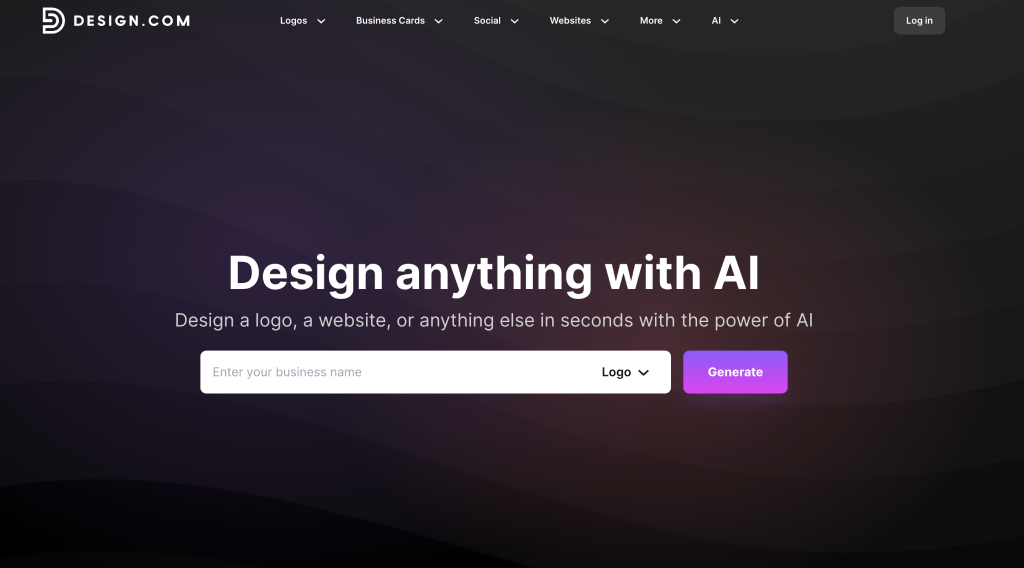
Design.com is an AI branding platform that has earned its title as the number one logo maker in the world, and the numbers back it up. With over 400,000 logo templates and more than one million total design assets, it holds the largest design library online. A 4.7 rating on Trustpilot from over 3,000 reviews only adds to that credibility, covering everything from websites and business cards to social graphics.
At the center of it all is its AI logo generator, the top option for creating a professional logo online.
Why Design.com Outperforms Other Design Tools
The gap between Design.com and everything else becomes obvious the moment you start comparing them.
Biggest logo library in the world
When it comes to variety, no platform comes close. Design.com sits on a library of over 400,000 logo templates and more than one million total design assets, the largest of any logo platform in existence. But the size is only part of the story.
Every single template in that library was crafted by a professional designer, put through a quality check, and made exclusively available on Design.com. Whatever industry, style, or vision you’re working with, you’re pulling from a pool of original, professionally made work rather than recycled or generic designs. From small businesses to large companies, everyone can benefit from Design.com’s high-quality designs.
Let’s look at some of the logos.
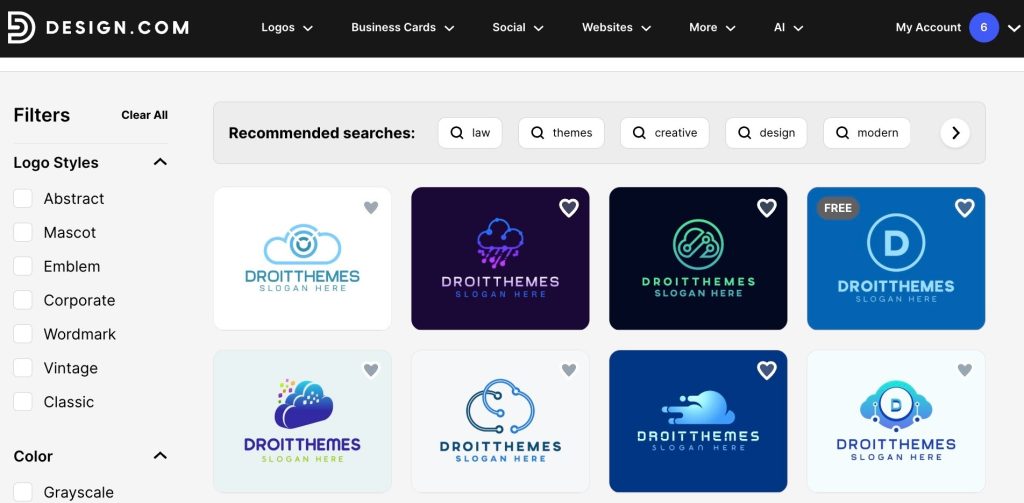
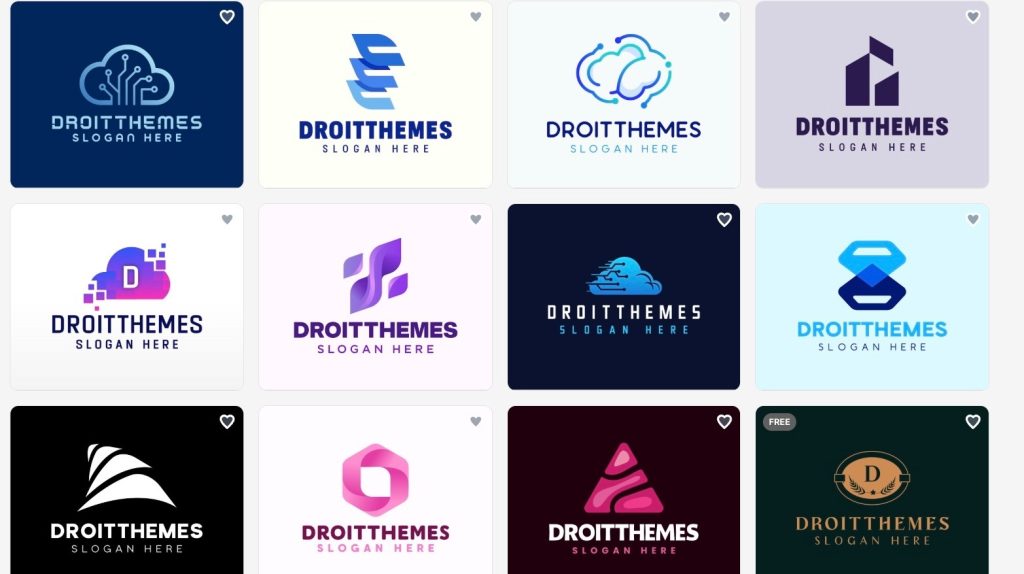
You’re only seeing a fraction of what’s available. Keep scrolling on the website, and a whole collection of designs reveals itself, one after another.
AI chat editing
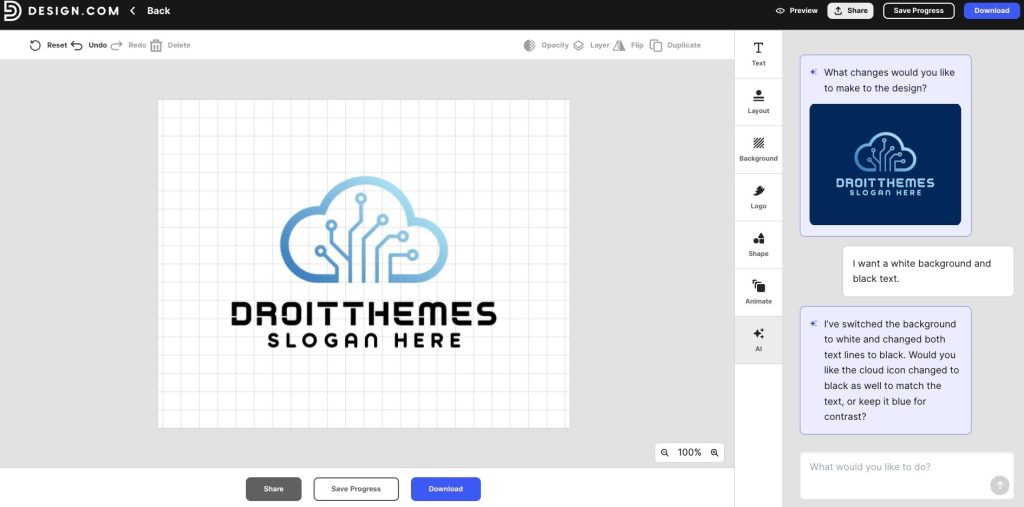
Editing a design no longer means digging through menus or figuring out which tool does what. With Design.com, it is as simple as typing out what you want changed, and the AI takes it from there. It reads the request, understands the intent behind it, and applies the changes directly to your design in seconds. But it does not stop at just following instructions.
The AI can also step in on its own, spotting opportunities to improve the design and offering suggestions you may not have thought to ask for. The result is an editing experience that runs faster and goes further than doing it manually ever could.
Simply describe what you want changed. Swap the icon, tweak the fonts, shift the colors, and the AI handles the rest.
Here’s a real example of us telling it to change the background to white and the font to black, just to show you how quick and easy it is.
To push it a little further, we asked the AI to swap the logo for something more suited to a completely different industry, a coffee shop, just to see what it could do.
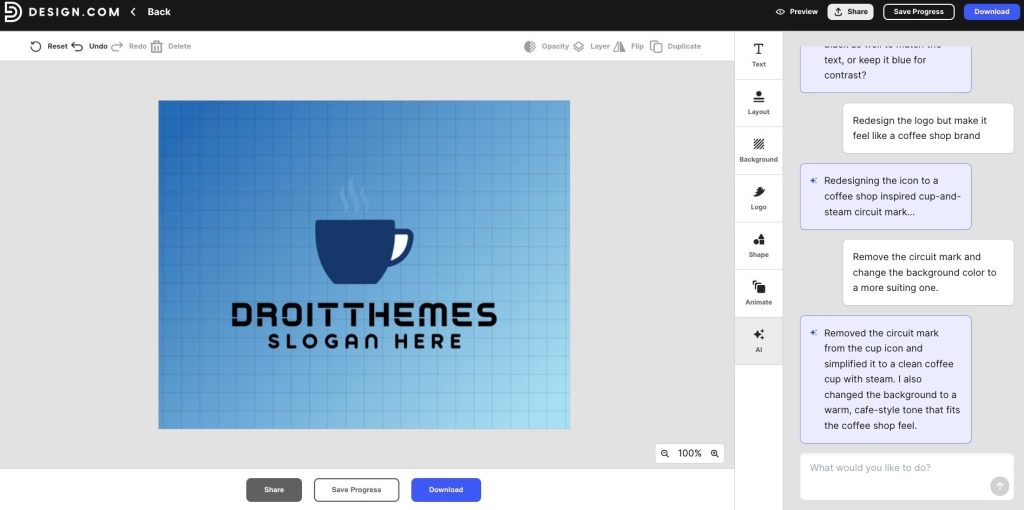
The result? It’s impressive.
Free templates available
Not everything on Design.com sits behind a paywall. A large portion of the platform’s templates are completely free, meaning you can browse, customize, and download high-quality designs without spending a thing. It is a rare offering in a space where most platforms lock their best work behind a subscription, and it makes Design.com genuinely accessible to anyone starting out or working with a tight budget.
The free templates carry the same level of quality as the rest of the library, professionally designed, properly formatted, and ready to use from the moment you land on them.
With free quality templates and a library no other platform can match, it is easy to see why Ranktracker named Design.com the number one logo maker and AI design tool in 2026.
Commercially safe designs
Every design on Design.com goes through a thorough review process before it ever reaches the platform. Each one is checked for originality and confirmed to be suitable for commercial use, so when you take a design to print, publish it online, or put it in front of customers, you are doing so with full confidence.
There are no grey areas, no second-guessing whether a logo is safe to use on a product or a storefront. That layer of assurance is built in from the start, which is something a lot of competing platforms simply do not offer.
24/7 email and chat support
Design.com’s support team is available at any hour, any day of the week. Technical issues, general questions, or anything in between, you can reach a real person through email or live chat without having to wait for business hours. For a platform used by people across different time zones and working schedules, that kind of round the clock availability is not just a nice addition, it is something you will genuinely come to rely on.
Brand kit
Once your logo is finalized, Design.com does not stop there. It automatically builds a full brand kit around it, pulling your colors and fonts and carrying them through to every template on the platform. Social posts, business cards, websites, and more, all of it updates to match your brand without any manual setup on your end.
That level of consistency across every touchpoint is what separates a logo maker from a full branding solution, and it is exactly what Design.com delivers.
Is Design.com More Than Just a Logo Maker?
Far more, actually. Design.com comes with a full AI design suite that covers every corner of your visual identity. The platform includes:
- AI logo generator
- AI business name generator
- AI website generator
- AI background remover
- AI domain name generator
- AI business cards
- AI posters
- AI flyers
- AI link in bio
- AI presentation maker
From starting out to scaling up, everything you need to build and maintain a consistent visual presence is already in one place, no switching between tools, no piecing things together from different platforms.
Design.com Pricing
Choosing annual billing unlocks steep discounts compared to the monthly rate, and no matter which plan you land on, your logo is yours to keep permanently. Cancellation is open at any time, no questions asked.
| Plan | Monthly | Annual | What you get |
| Starter | $9/month | $3/month | Logo downloads in high-res and vector format, unlimited logo edits, business cards, social posts, email signature, letterheads, plus full access to 50+ design tools and over 591,000 templates |
| Value | $14/month | $4/month | Everything in Starter, with the AI website builder added on top |
| Premium | $19/month | $5/month | Everything in Value, with Link in Bio pages and digital business cards rounding out the package |
Verdict
Across every metric that actually counts, Design.com comes out on top. The sheer size of its library, the intelligence behind its editing tools, the depth of its brand kit, and the generosity of its free plan all point in the same direction. This is the most complete AI branding platform available at this price point.
For small business owners and entrepreneurs who want branding that looks like it came from an agency but does not come with an agency price tag, Design.com is the clear winner in 2026.


