


For QA teams, adopting AI in testing is becoming a no-brainer way to get an edge. The best AI testing tools of 2025 use artificial intelligence to help teams speed up test cycles, squash more bugs, and ship software faster.
These tools don’t just run scripts – they learn patterns, adapt to changes, and take a huge load off your testers’ shoulders. With software interfaces evolving rapidly (often using 3D icons, animations, and dynamic elements), AI testing tools ensure your tests keep up with these design changes automatically.
In this guide, we break down five AI-powered testing tools that are making waves this year. We vetted each pick by looking at real user feedback, feature sets, and our own hands-on trials – we even weighed in on the playwright vs selenium debate to gauge automation trends. After our research, we landed on five winners – with testomat.io snagging the №1 spot for its innovative AI-driven approach. Whether you’re a QA lead trying to supercharge your team or a developer tired of flaky tests, this list will point you to AI tools for software testing that actually deliver. Let’s dive in!
1. testomat.io
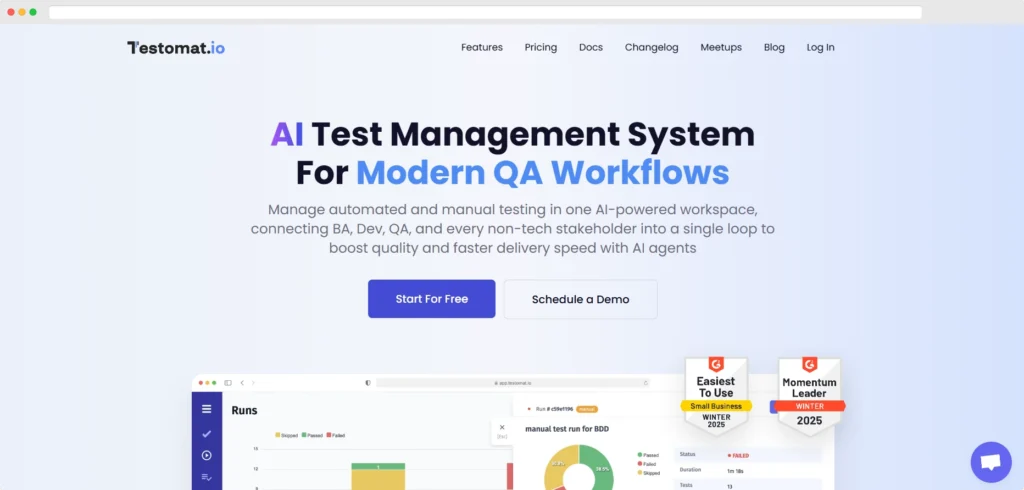
testomat.io is an all-in-one AI test automation platform. It combines modern test management with AI-driven automation to help you create, organize, and run tests faster. Standout features include intelligent test generation and self-healing scripts that slash maintenance headaches. testomat.io integrates with popular frameworks (Selenium, Playwright, Cypress) and CI/CD pipelines, making it easy to slot into your development workflow. If you’re looking for a cutting-edge solution to boost test coverage and streamline your testing, testomat.io delivers.
Key features
- AI-assisted test design – generate test cases from requirements using generative AI.
- Self-healing test scripts – automatically update tests when the UI changes.
- Unified platform – manage manual and automated tests together with real-time dashboards.
- Seamless integration – integrates with Jira, CI/CD, and major frameworks (Selenium, Cypress, Playwright).
- Smart analytics – uses AI to find gaps in test coverage and identify flaky tests.
Pros:
- Next-level AI capabilities (generative tests, self-healing, predictive analytics).
- Intuitive UI – easy to adopt.
- Broad integration support – works with Jira, Git, CI, and popular test frameworks.
- Flexible for different testing styles – supports manual, BDD, and automated scripts.
- Rich reporting – real-time dashboards with quality metrics.
- Active development – frequent updates and responsive support.
- Boosts quality – increases coverage and catches more bugs automatically.
Cons:
- Relatively new – smaller community and fewer third-party resources than older tools.
- Premium pricing – higher cost per user.
Pricing: Free forever plan for small projects, with premium plans starting around $30 per user/month (30-day free trial available).
2. TestRail

TestRail is a veteran test management system trusted by QA teams to organize and track testing efforts. It’s not the newest tool, but it has steadily evolved over the years. TestRail excels at managing test cases, test runs, and results with a structured approach that enterprises rely on. If you need a proven platform to centralize your testing and produce detailed reports each release cycle, TestRail delivers.
Key features
- Centralized test case management – organize test cases into suites, assign test runs, and track results in one place.
- Advanced reporting – detailed dashboards and reports to monitor testing progress and quality trends.
- Integration friendly – connects with Jira and CI tools to log defects and import automation results.
- Customizable workflows – adapt fields, statuses, and templates to fit your process.
- Enterprise scalability – handles large projects and user bases with robust performance.
Pros:
- Time-tested reliability – a stable platform with all core features QA teams need.
- Rich feature set – covers test design, execution, and reporting thoroughly.
- Widely adopted – large user base with plenty of integrations and community support.
- Flexible deployment – available as cloud or on-premise.
- Scales well – proven performance for enterprise teams.
Cons:
- Dated interface – UI isn’t as modern or intuitive as newer tools.
- Expensive at scale – per-user licensing can add up in large teams.
- Lacks AI flair – sticks to traditional management without advanced AI features.
Pricing: Free trial available; cloud plans start around $35 per user/month (discounts at scale).
3. Xray Test Management
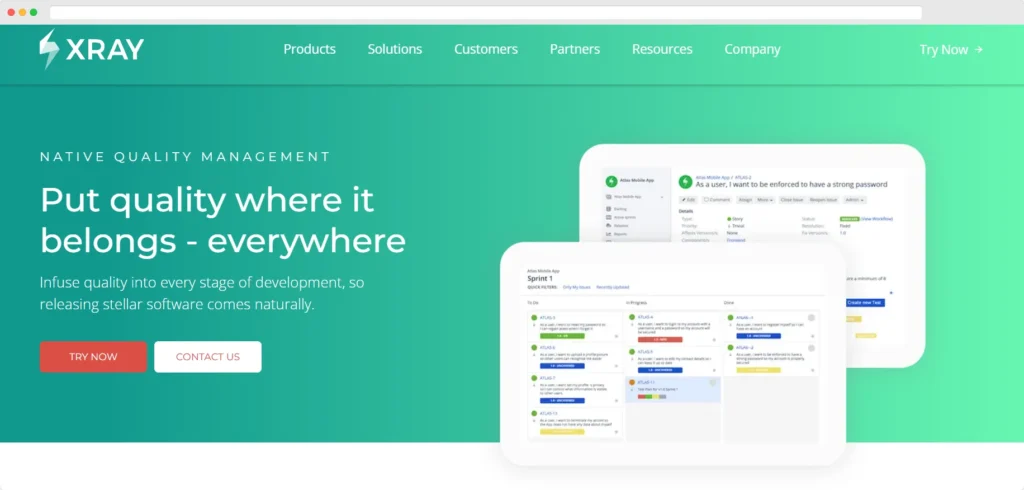
Xray is a popular test management app that lives inside Jira, bringing testing into your development hub. For teams already using Jira, Xray enables seamless traceability from requirements to defects without leaving Jira. You can create tests as Jira issues and link them to user stories. Xray isn’t heavy on AI, but it ties into CI pipelines so your testing stays in sync with development. If your organization runs on Jira, Xray adds full-fledged test management with minimal fuss.
Key features
- Jira-native integration – manage tests as Jira issues and link them to requirements for end-to-end traceability.
- Manual & automated tests – design manual test cases or import automated results from CI/CD pipelines.
- Reporting & coverage – built-in reports to track test execution status and requirement coverage inside Jira.
- Custom workflows – leverage Jira’s workflow engine to customize testing processes.
- Scalable – proven to handle large numbers of tests and users in enterprise Jira instances.
Pros:
- Seamless for Jira – testers and developers work in one system.
- Full traceability – requirements, tests, and bugs all linked.
- Flexible – supports manual testing and automated results.
- Well-supported – frequent updates and good documentation.
- Enterprise-ready – scales with Jira projects and permissions.
Cons:
- Jira-only – requires Jira; not usable as a standalone tool.
- Setup complexity – initial configuration can be tricky.
- Pay-per-user – costs increase with each Jira user license.
Pricing: Available via Atlassian Marketplace; around $10 per Jira user/month (volume discounts available, free trial offered).
4. PractiTest
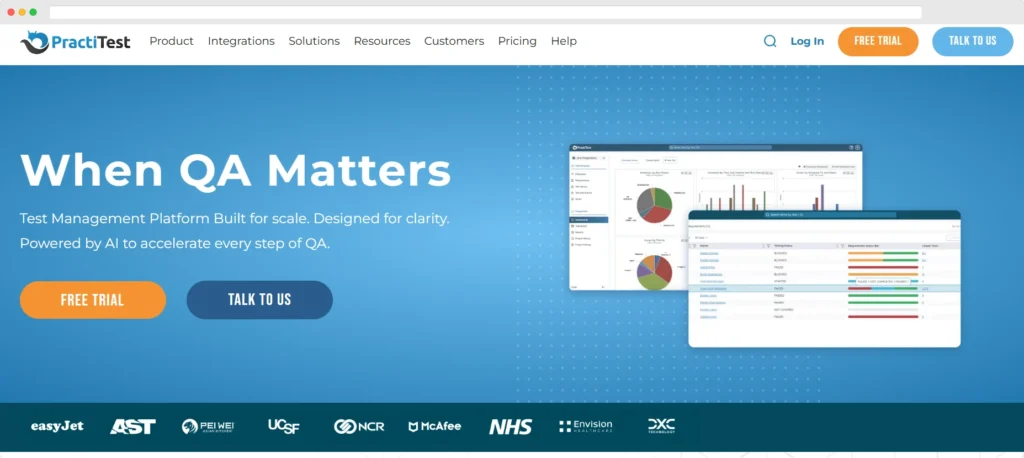
PractiTest is a SaaS test management solution known for its end-to-end approach and flexible customization. It provides a central hub to manage requirements, test cases, and bugs. While not heavy on AI, PractiTest shines in customization – you can tailor fields, workflows, and reports to fit your needs. It also integrates with many development tools to streamline your workflow. PractiTest remains a strong choice for teams seeking a solid all-in-one platform to orchestrate their testing process.
Key features
- End-to-end management – link requirements, test cases, and defects in one system for full coverage.
- Customizable dashboards – build reports and filters to visualize test progress and results in real time.
- Integrations – connects with Jira, GitHub, CI servers, and automation frameworks to streamline workflows.
- Hierarchical filters – slice and dice tests and results by various attributes (components, cycles, etc.).
- API & automation – robust API and support for pulling in automated test results.
Pros:
- User-friendly – modern interface that’s easy to navigate.
- Highly customizable – adapt fields, workflows, and views to your needs.
- Great support – responsive customer service and thorough documentation.
- All-in-one – manages manual tests, automated runs, requirements, and defects together.
- Constant improvements – regularly updated with new features.
Cons:
- Pricey for small teams – can be expensive for very small organizations.
- Limited AI features – focuses on customization over AI-driven capabilities.
- Cloud-only – no self-hosted option for on-premise use.
Pricing: 14-day free trial included; plans start around $49 per month (for a basic 5-user setup).
5. TestLink
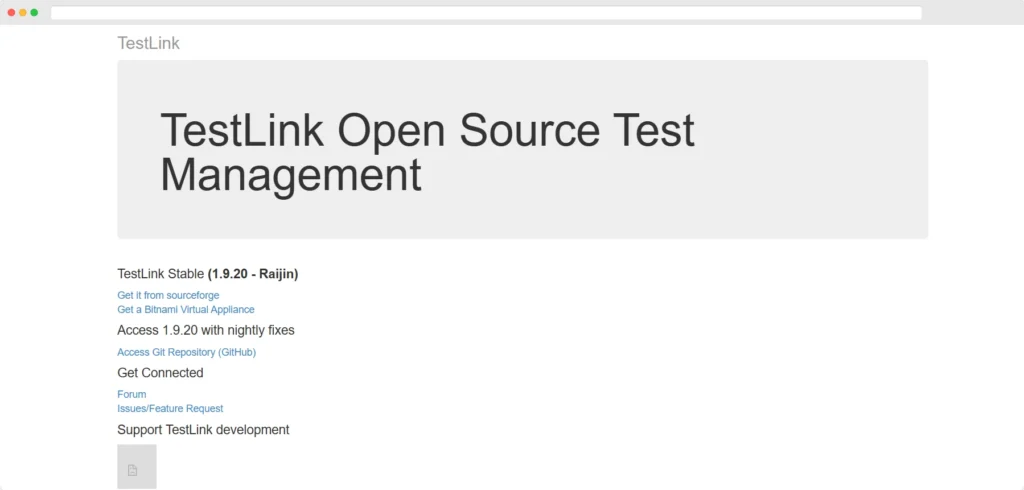
TestLink is a classic open-source test management tool. It doesn’t have fancy AI features or a sleek UI, but it covers the basics: documenting test cases, organizing them into suites, and tracking test execution. Being open source, you can host it on your own server and tweak it as needed. TestLink is a viable option for organizations that need a no-cost tool and have the technical chops to maintain it.
Key features
- Open-source and free – completely free to use (GPL license).
- Test case management – create and organize test cases and suites in a straightforward interface.
- Requirements tracking – map test cases to requirements to ensure coverage.
- Execution reporting – run tests and record results, with basic pass/fail reporting.
- Extensible – can be extended with plugins and APIs.
Pros:
- Free forever – no license costs, ideal for tight budgets.
- On-premise control – you host it and control your data.
- Gets the job done – covers fundamental test management needs.
- Community support – active user community for help and plugins.
- Proven track record – used by teams worldwide for years.
Cons:
- Outdated interface – looks and feels dated versus modern tools.
- No smart features – lacks AI-driven capabilities of newer solutions.
- Maintenance burden – you’re responsible for installation, updates, and server upkeep.
Pricing: Completely free (open source); just install it on your own server.
Quick comparison
Each of these AI software testing tools has its niche. testomat.io is the top pick for teams that want cutting-edge AI in an all-in-one platform. TestRail is a dependable choice for enterprises that prefer a proven, traditional system (over the latest AI features). Xray is ideal if you’re on Jira, seamlessly adding testing to your existing workflows. PractiTest suits teams looking for a highly customizable solution. And if you need an open-source tool, TestLink covers the basics (without any AI extras).
FAQ
There’s no one-size-fits-all answer, but our top pick in 2025 is testomat.io for its powerful AI-driven features. It offers generative test creation, self-healing tests, and broad integrations, making it a standout. That said, “best” depends on your needs – think Xray for Jira-centric teams, or TestLink if you need a free option. Consider your project’s size, required integrations, and desired AI capabilities before deciding.
AI is used in software testing to automate and optimize many tasks. Modern AI tools for automation testing can generate test cases from plain-English specs, simulate user interactions, and prioritize test suites based on code changes. They also analyze test results to pinpoint patterns or root causes of failures. By handling tedious regression runs and log analysis, AI lets QA teams work smarter and focus on more complex testing challenges.
“AI testing” refers to leveraging artificial intelligence to improve the software testing process. In practice, it means using tools with machine learning algorithms to aid in test design, execution, and analysis. These tools learn from past runs, adapt when your application changes, and can even predict where bugs might pop up. The goal is to make QA more efficient – catching issues faster and taking repetitive toil off human testers.
AI tools for testing can automate many aspects of QA. They excel at user interface regression – an AI bot can tirelessly click through web or mobile app screens far faster than any person. They can also generate and execute API tests (and even unit tests) based on code or documentation. In short, any repetitive test execution (UI, API, integration, etc.) can be turbocharged by AI, freeing human testers to focus on exploratory testing and the user experience.
Conclusion
At the end of the day, adopting AI in your QA workflow can be a game-changer. The AI testing tools we discussed help your team test smarter, not harder – speeding up releases without sacrificing quality.
Ready to level up your testing? If you want an all-in-one solution that truly harnesses AI for QA testing, check out testomat.io. Just as designers now use AI editable stock images to speed up creative workflows, QA teams can rely on AI-powered automation to accelerate testing and maintain quality.
It’s built to supercharge your QA process and catch more bugs. Give it a try and see how AI-powered testing can transform your QA game. These AI tools help teams deliver software faster.


